


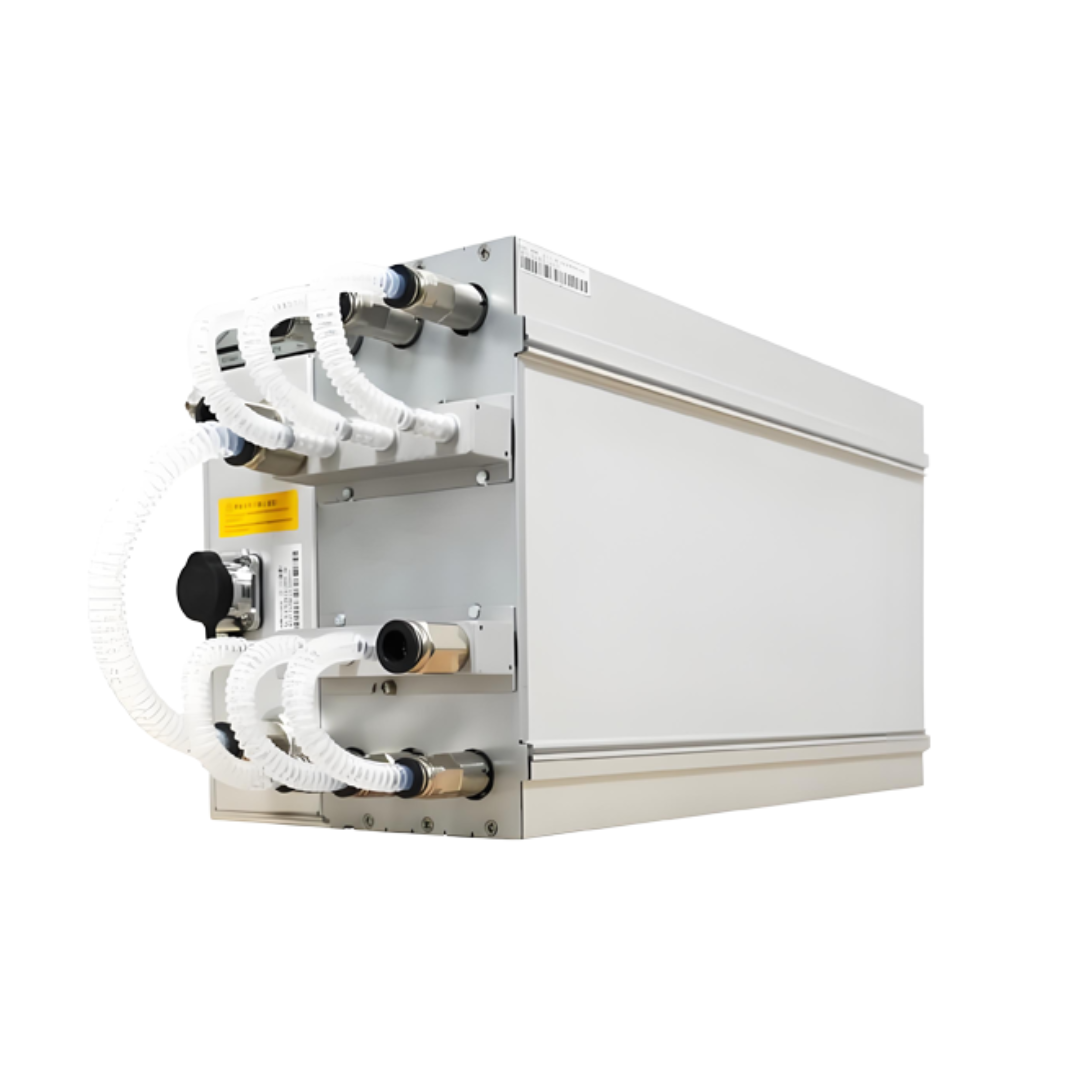
MicroBT Whatsminer M60 series -Comes in original factory sealed box. -In-Built PSU -Needs 220-240V to operate. -1 year Whatsminer factory warranty Specifications Working Temperature: -5° C ~ 35° C Size: 430mm*155mm*226mm Weight: 13.5KG Internet Connection: Ethernet Power Cable Model: IEC C19, ≥16A PSU Model: P221B/P222B AC Voltage: 220V ~ 240V M60 Mining Profitability Calculator Frequently Asked Questions Is a power cord included with the miner Yes, a C20-C19 power cord is included in the box for the units we’ve tested. Which control board does this miner come with? We’ve seen H616 Control Boards. Can you ship this directly to my hosting company? Yes, you can either take delivery yourself or ship this to your hosting company by providing their address under the shipping address field on checkout page. Can you recommend a reputable hosting company? While we do not have our own hosting facility, as a Bitcoin mining hardware vendor, we regularly ship ASIC miners and repair parts to various hosting sites across the US. Here’s a list of some of the companies we’ve worked with:–BSLF Mining–Iowa Mining–Wildcat Digital–Frontier Mining–BlockOps–Terra Hosting–Distributed Hash-Basic MiningThis list is a recommendation and not an endorsement for these hosting companies. Please do your own due diligence, before choosing a colocation host. You can do further research on hosting companies on hashbranch.com Do I need to use the Whatsminer Tool? The short answer is eventually, yes you will. It is necessary to use the Whatsminer Tool to enable or utilize many functions on the Whatsminer. Most importantly, updating the firmware. Many features and settings are not available via the web graphical user interface (GUI). Tool functions include: Updating Firmware Exporting Logs Enabling API for remote control/management Setting Power Limits Adjusting Frequency Speed Configuring Permissions Bulk editing passwords or pool credentials And, other functions. The most recent Whatsminer Tool version and instructions can be downloaded here. It should be noted the Whatsminer Tool is designed for Windows computers. It is not comparable with Mac or Linux. However, some users have been successful running it with WineHQ . Can I underclock or overclock my Whatsminer? The Whatsminer GUI allows for Low Power, Normal Power, or High Power modes. Experiment with the settings at your own risk. Additionally, the Whatsminer Tool allows users to customize the frequency or power settings for the units. You can read more about it from one of our affiliate sites here. When API is enabled via the Whatsminer Tool, management software can have access to many of these settings. The API documentation is available for download via the Whatsminer Support page under Documents Download>Whatsminer API documents. How do I update the Firmware? Updating the Firmware requires the Whatsminer Tool. Ensure that you download the proper firmware for your device from the Whatsminer Support site. A video from the manufacturer can be found here. Does this product have a factory warranty? The product is sold new, unopened with a factory warranty unless otherwise requested by the customer to upgrade to aftermarket firmware. Generally, the manufacturer provides a one year/- warranty from the manufactured date. The manufacturer warranty period and limitations can be referenced by going directly to their website. For further information and links please view our blog post on warranty. Is this product covered by Altair Technology’s 14 day Warranty Against Defects? This item is excluded from the Altair Technology’s 14 day warranty. However, the manufacturer does provide a warranty. For more information we recommend referencing the manufacturers most updated policy directly from their website.
Related products
-17%

-17%

-17%


$ 92.68
This product has multiple variants. The options may be chosen on the product page
-17%
-17%
-60%

-17%